



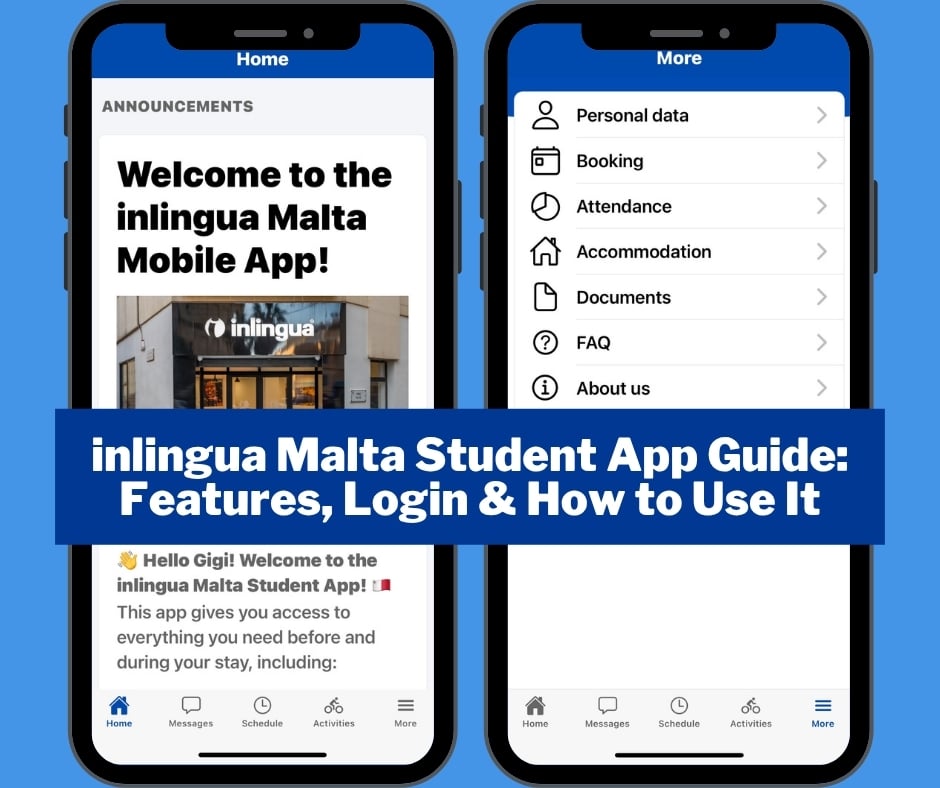
The inlingua Malta Student App makes it easy to manage your studies and stay up to date throughout your time at inlingua Malta. You can use the app to check your class timetable, messages, activities, attendance, bookings, and important documents all in one place.
Follow our quick, step-by-step guide to learn how to navigate the app and make the most of its features.
Where can I find it?
You can download the inlingua Malta Student App for iPhone from the Apple App Store or for Android from Google Play.
How to Log In
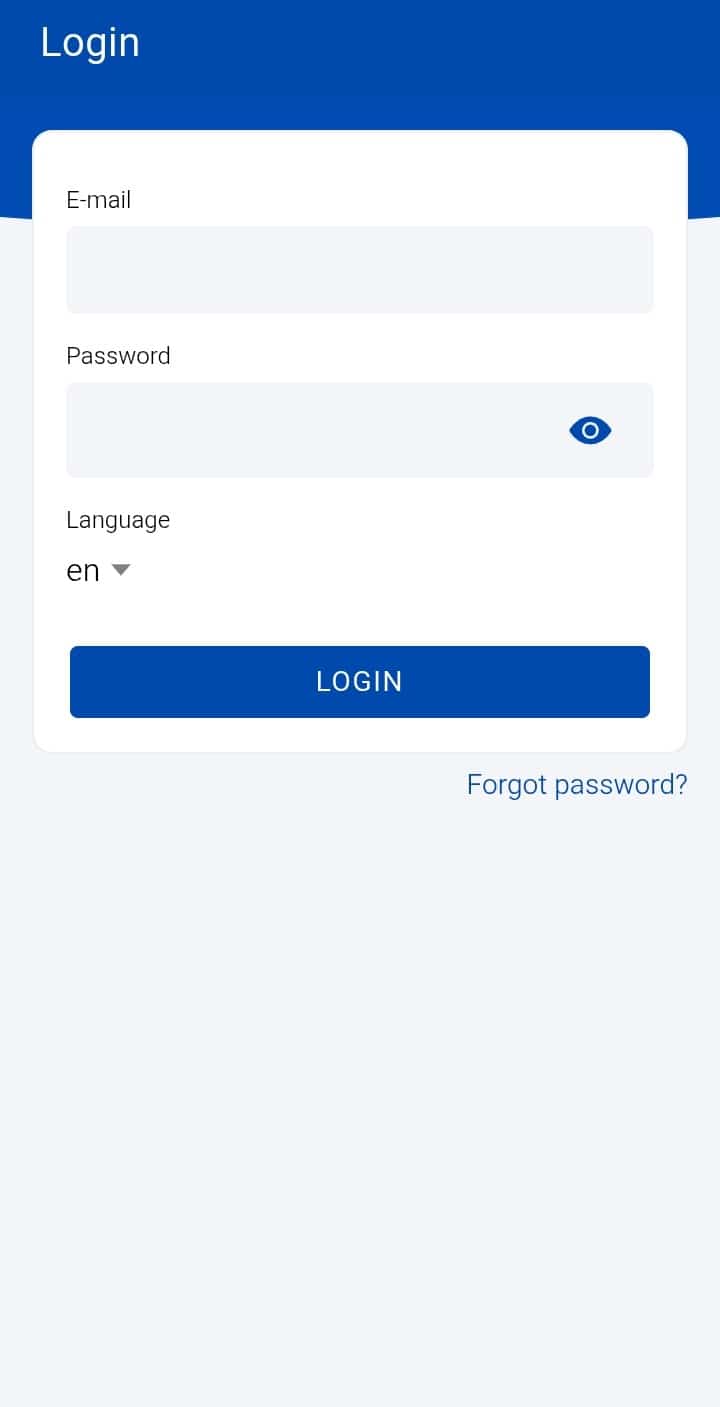
You will receive your inlingua Malta Student App login details from the school before you start your course.
Enter your username and password to log in to the app. If you forget your password, use the “Forgot Password” or password recovery option to reset it and regain access to your account.
Home
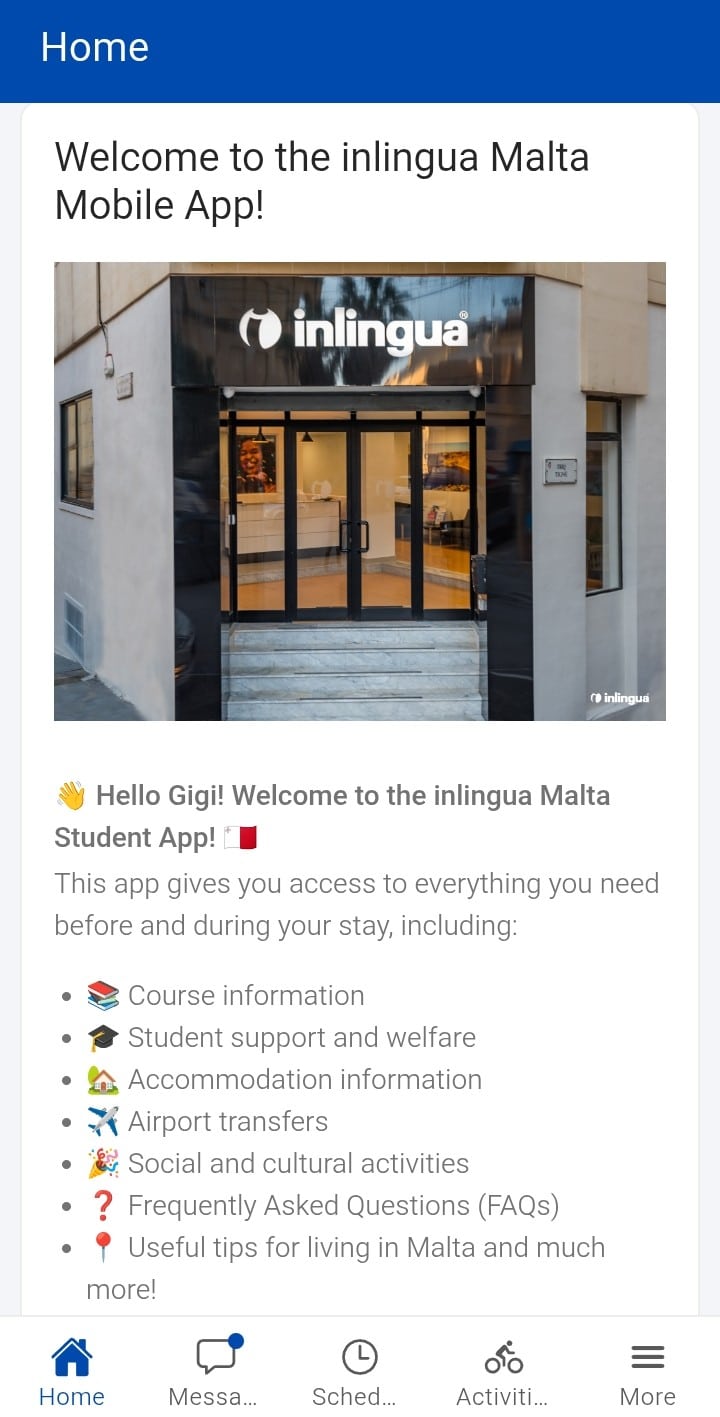
The Home screen gives you a quick overview of what is happening at inlingua Malta.
Here you can find:
- Your name and profile
- Important school announcements
- Your next classes
- Upcoming activities
- Recent messages
- Available activities and, where applicable, payments
Check the Home screen regularly so you don’t miss important updates.
Schedule
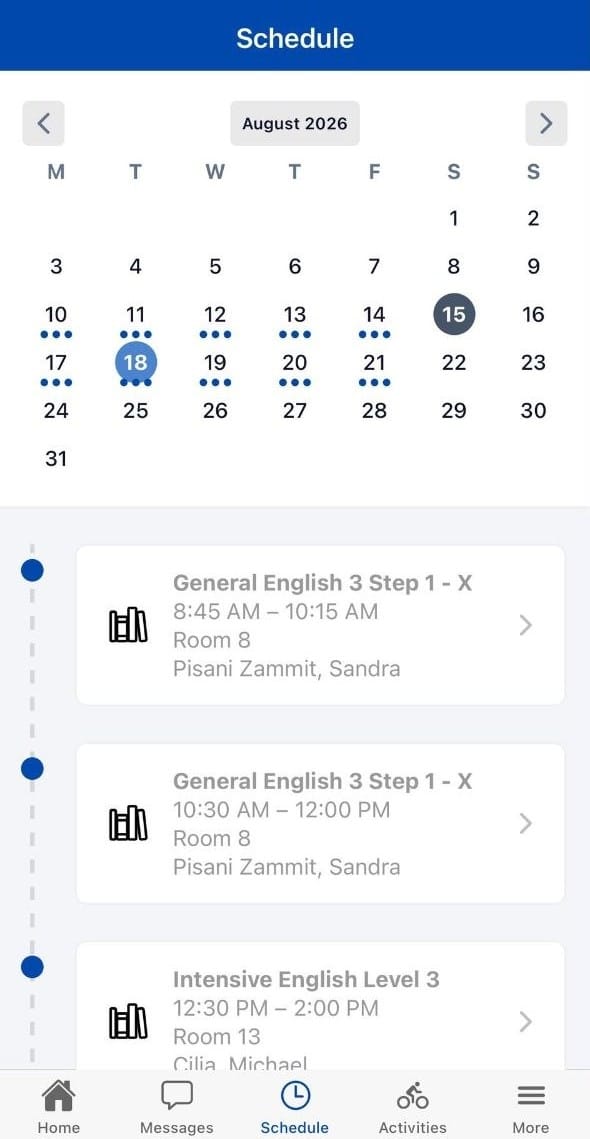
Use Schedule to check your daily and upcoming English classes and activities.
Tap on a class to see important information such as:
- Teacher
- Classroom
- Date and time
- Class level
- Class materials and files
You can also check previous or upcoming days and return to today’s schedule at any time.
Messages
The Messages section allows you to communicate with inlingua Malta and your teachers.
You can:
- Read school announcements and messages
- Contact your teachers
- Reply to messages
- View your previous conversations
Make sure your app notifications are enabled so you don’t miss important messages.
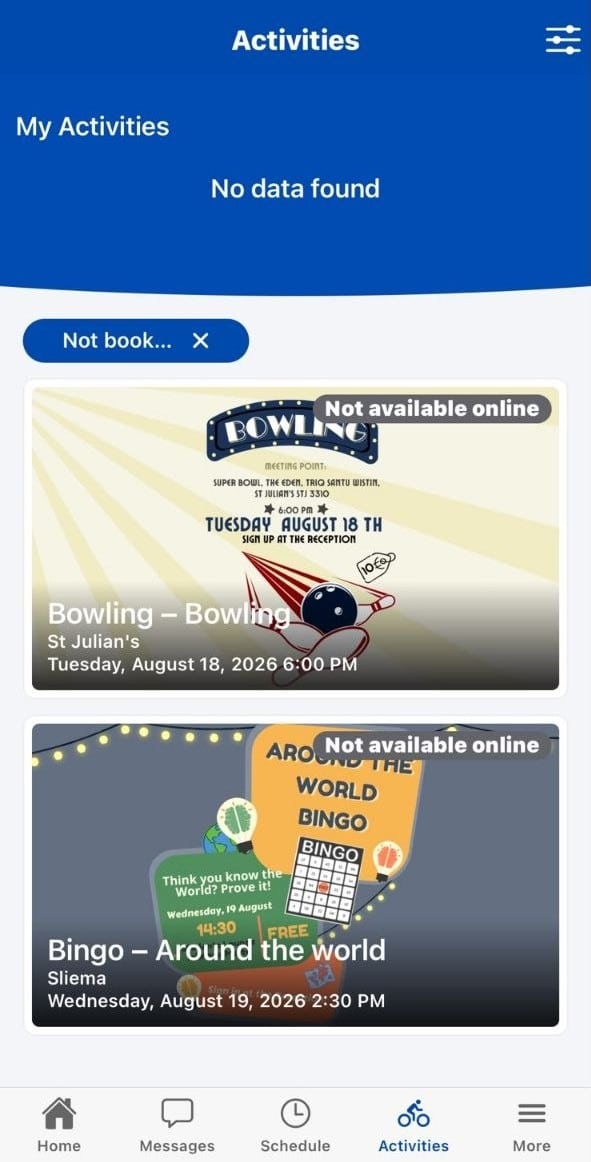
Activities
Find available inlingua Malta student activities in the Activities section. You can view the details of each activity, including the date, time, location, and other important information.
Attendance
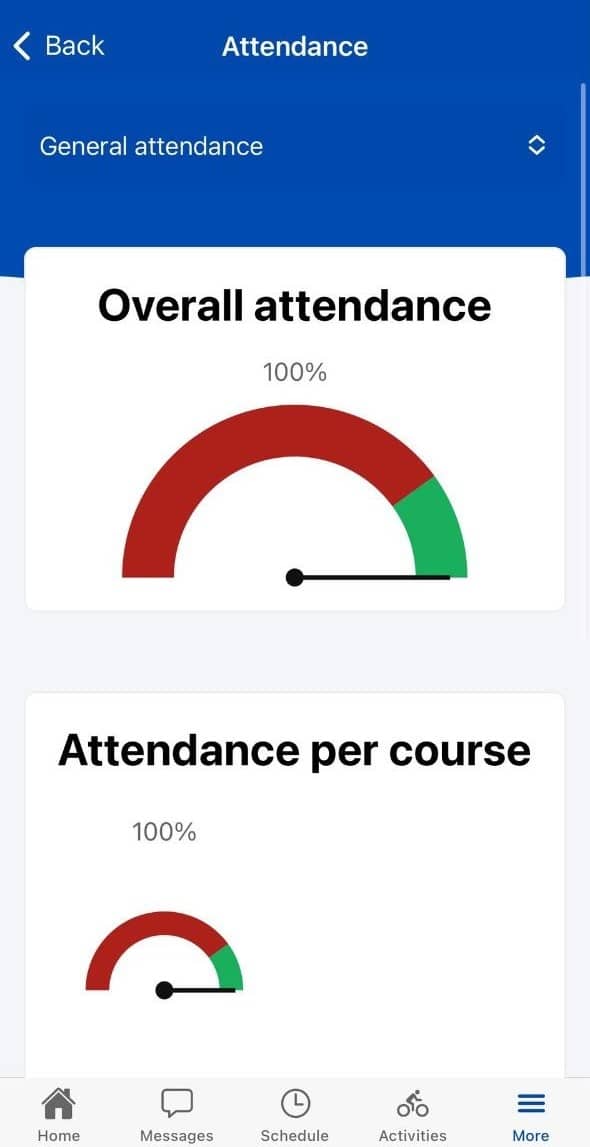
Go to the Attendance section under More to check your attendance at inlingua Malta.
You can view your attendance overall or by week, including your attendance percentage.
Checking your attendance regularly can help you make sure you are meeting the school’s attendance requirements.
Bookings & Accommodation
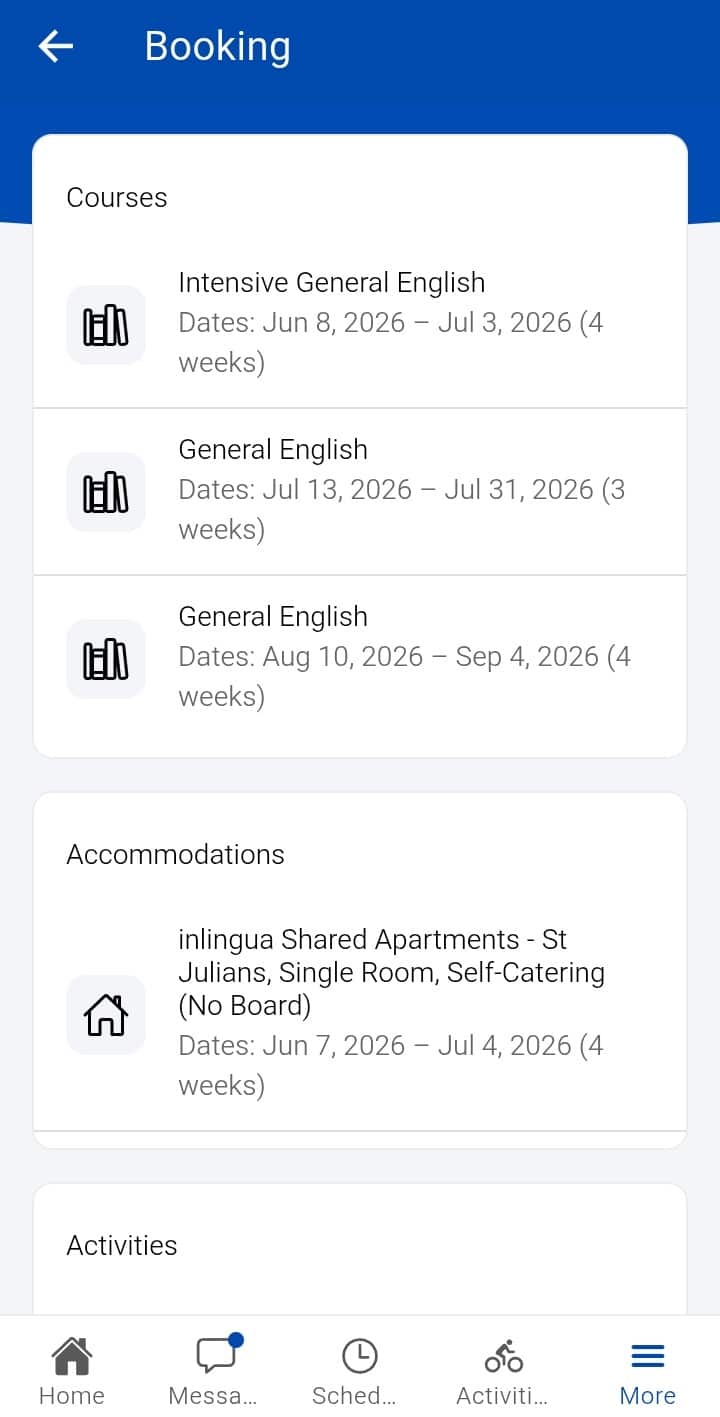
The Bookings section under More shows your services and arrangements, which may include:
- Course
- Accommodation
- Transfers
- Insurance
- Activities
If you have accommodation arranged through inlingua Malta, you can also find useful information such as the address and accommodation details in the app.
Documents
Important documents related to your course and stay can be found under Documents in the More section.
These may include:
- Invoices
- Payment receipts
- Booking confirmations
- Letters and other documents
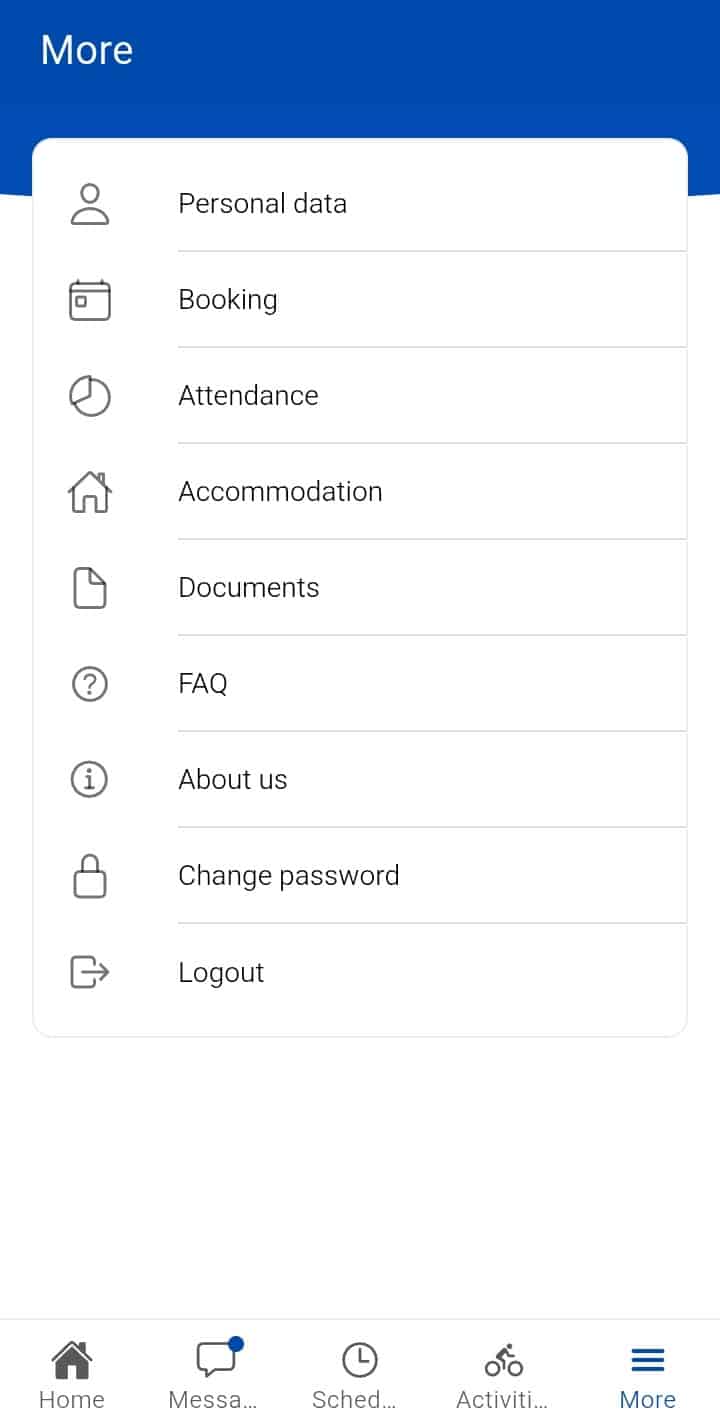
More
The More section also gives you access to additional features, including:
- Personal information
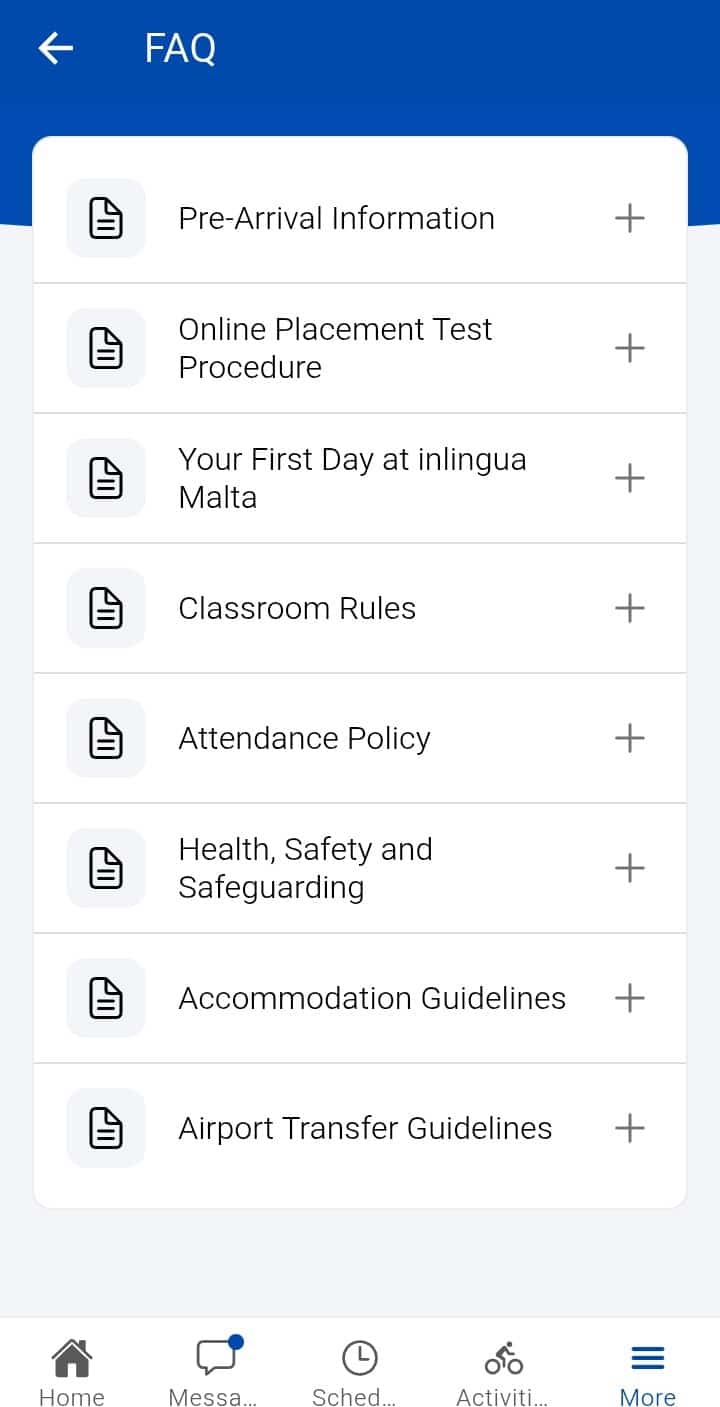
- FAQ
- About inlingua Malta
- Change password
Use the inlingua Malta Student App Every Day
The inlingua Malta Student App is the easiest way to stay organised during your language course in Malta.
Check the app regularly for your timetable, messages, activities, attendance, and important school information so you can make the most of your inlingua Malta experience.

For more information about our services, contact the inlingua Malta team at info@inlinguamalta.com